
Studio-grade recording, right in your browser
Record auditions, bookings, and sessions that sound their best — no install, no plugins. Just open a tab and press record. Included FREE with every Source Elements account.
Everything you need, none of the bloat
Talent focuses on the performance and sounds their best; engineers get the files exactly how they need them — all without leaving the browser.
Record anywhere
No install, no plugins. Open a tab and capture an audition or a full session — at home, on the road, in any booth.
Levelled, automatically
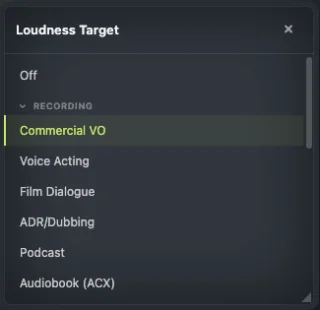
Pick what you're recording for — Voice Acting, audiobook, commercial — and the Recorder matches your take to the spec, so talent can focus on the performance and still sound their best.
Pick your best read
Rate, mark, and compare every take. Star the keepers, drop the rest, and never lose the magic takes.
Files, your way
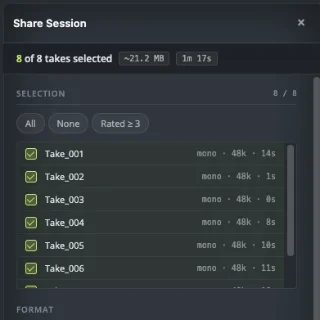
Engineers retrieve every take exactly how the session needs it — Raw or Conformed, clearly labelled, with markers, comments, and timecode-stamped files.
Three steps to a take you can send
Set up
Choose your format — Voice Acting, audiobook, commercial — pick your mic, and you're ready.
Perform
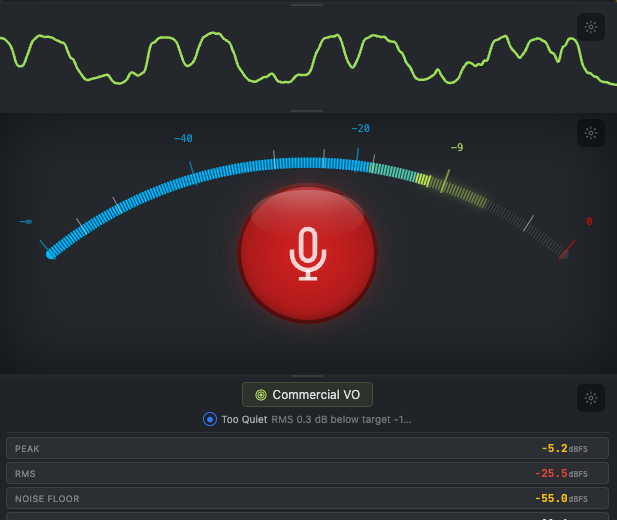
Press record and do your thing. A simple meter glows green the moment your read lands in the sweet spot.
Deliver
Hand off clean, labelled files — Raw or Conformed, with markers and timecode — however the session needs them.
From raw take to ready-to-send
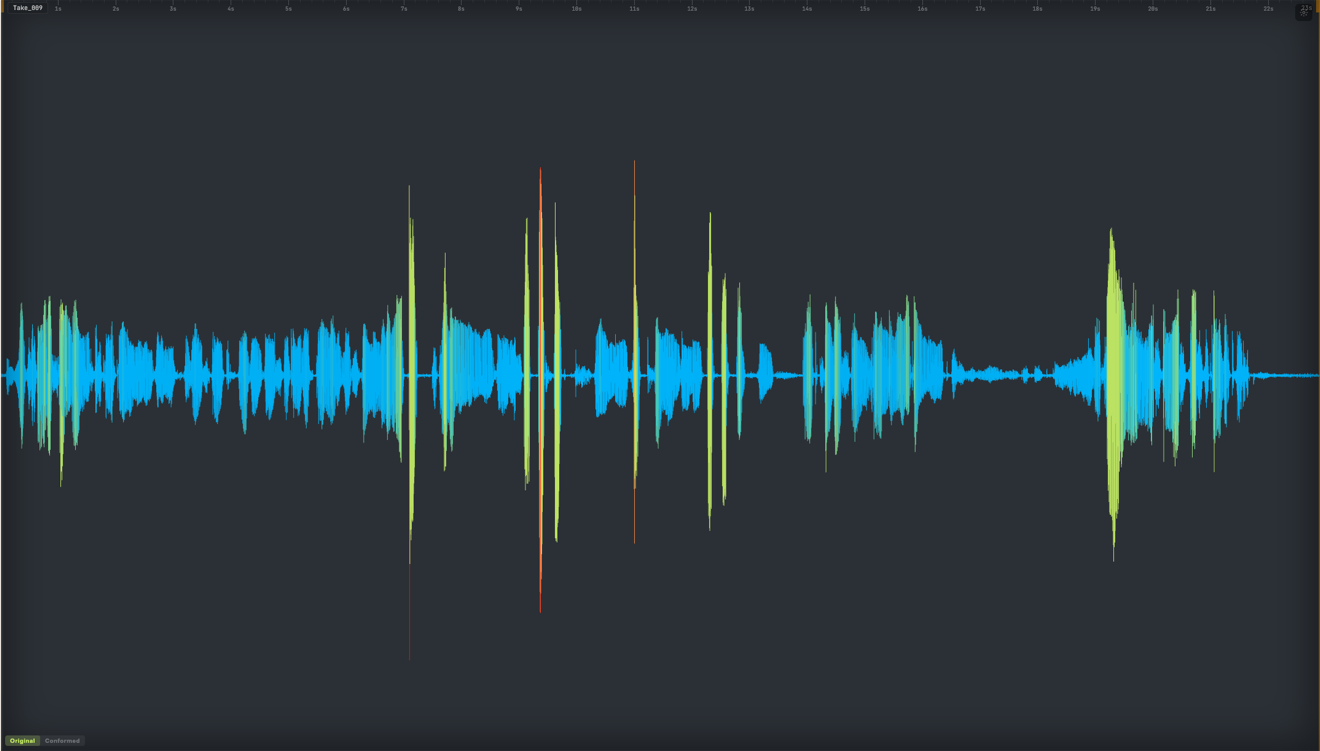
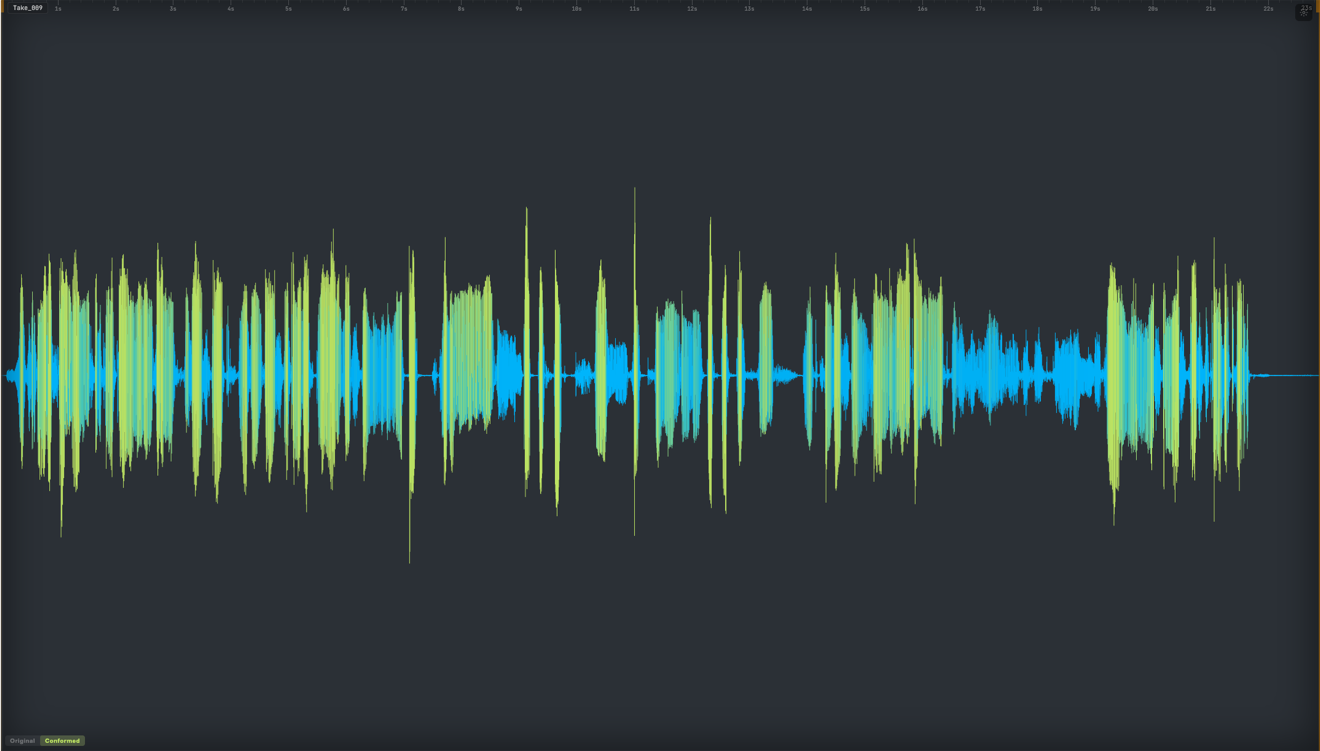
Same take, same performance. Flip the switch — or drag — to see your raw recording become conformed to Voice Acting, levelled and on spec. Engineers keep both: grab the conformed file, or the raw.
Upstream of the DAW, not instead of it
A DAW is built for the mix — not the capture. The Recorder lives one step upstream: zero setup, the right defaults already dialled in, and the same non-destructive safety you trust — applied at the moment of performance, not after the fact.
Zero setup, sensible defaults
No session to configure, no sample rate to second-guess, no plugin chain to build. Open a tab and the right defaults are already in place — so talent records instead of troubleshooting.
Non-destructive, moved upstream
The safety of non-destructive editing, applied where it matters most: at capture. Pick the target once and record honestly — the original is always kept, and conforming never overwrites it.
Takes that enrich the DAW
Exports can carry their markers and comments along, so the session lands in your DAW already annotated — not a bare file someone has to decode.
Built to move
Studio-grade capture that travels — real mobility and accessibility for self-taping, from a booth, a hotel room, or the kitchen table.
Pick the target once, record honestly, watch your audio get conformed to your format levels — without painting your downstream collaborators into a corner.
Questions, answered
What is Source Elements Recorder and how does it work?
Who should use Source Elements Recorder?
Is Source Elements Recorder a DAW replacement?
Which devices can I use the Recorder on?
Is there a manual or documentation for the Recorder?
Is my data being used for AI training?
Your data continues to belong to you, and our dedication lies in acquiring your explicit consent for any utilization beyond your immediate communication requirements.
Source Elements does not use voice-over or any kind of music or audio recordings submitted to our platform to train, develop, or improve any artificial intelligence or machine learning models. Your audio and performances remain yours — we won't use them to teach AI systems to replicate or synthesize voices or music or any kind of audio.
Still have questions? Ask us live.
Join the team for a walkthrough of the Recorder — see it in action, and bring every question you have. The floor is open.
FREE · HOSTED BY THE SOURCE ELEMENTS TEAM
Start recording in your browser
Open a tab and capture your next take — no install, no plugins, no fuss.